
Role · Operators
You know your trade. You shouldn't have to search for what to do.
The ROBIN screen at your workstation displays your cell's work queue: what needs doing, in which order, with which tooling and where to find it. When the schedule changes, the screen changes. Nothing to enter, nothing to fill in at end of shift.
They already work with ROBIN on the shop floor






The three figures
Three things are enough to work with peace of mind.
These are what the screen displays at all times, and what recur throughout the rest of this page.
Orderwork queue
What comes first
The shift sequence, kept up to date by the schedule. No more sorting between three jobs all presented as urgent.
Locationpart and tooling
Where what you need is
The part and tooling located on the shop floor. The route replaces the search.
Reportingfrom the floor
No more endless data entry
Account for your work easily by automating or simplifying how information is reported (quality issues, technical problems, missing parts…) and communicate easily with your manager.
Your challenges
Three things that cost you time.
They recur in every shop floor with complex flows: job shop, short runs, one-off parts or maintenance.
Three urgent jobs, no clear priority
Each one came with instructions from a different person. You decide by gut feel, and what goes last is sometimes what was blocking the next line over.
Answer — ROBIN.Cockpit
- To do6
- In progress1
- Urgent2
A single work queue per station, in the order set by the schedule — and up to date when it changes.
Hunting for the part and tooling
The job is ready, the part is elsewhere. You walk the shop floor, ask around, wait. That time isn't counted anywhere and comes out of production.
Answer — ROBIN.Tracking
- Part WO-8842 — Assembly 2 zoneLocated
- Tooling M-118 — tool cart B4Available
The part and tooling are located on the shop-floor map. You go straight to them.
The end-of-shift form
After the work, there's still the sheet to fill in. It's time taken from production, a source of errors, and nobody ever sees the result.
Answer — no added input
Automatic- Work done
- Flow captured
- Schedule up to date
Progress comes up from location and from existing declarations. There's no spreadsheet to feed.
The product
ROBIN, the platform that runs the shop floor in real time.
ROBIN has five modules. The one in front of you is the shop-floor screen.
ROBIN.Cockpit
One screen per cell, understood in thirty seconds.
The real-time shop-floor cockpit: station work queue, WIP map, alerts.
- The station work queue, in order, updated when the schedule changes
- The part and tooling located on the shop-floor map
- No added input: progress comes up from the flow
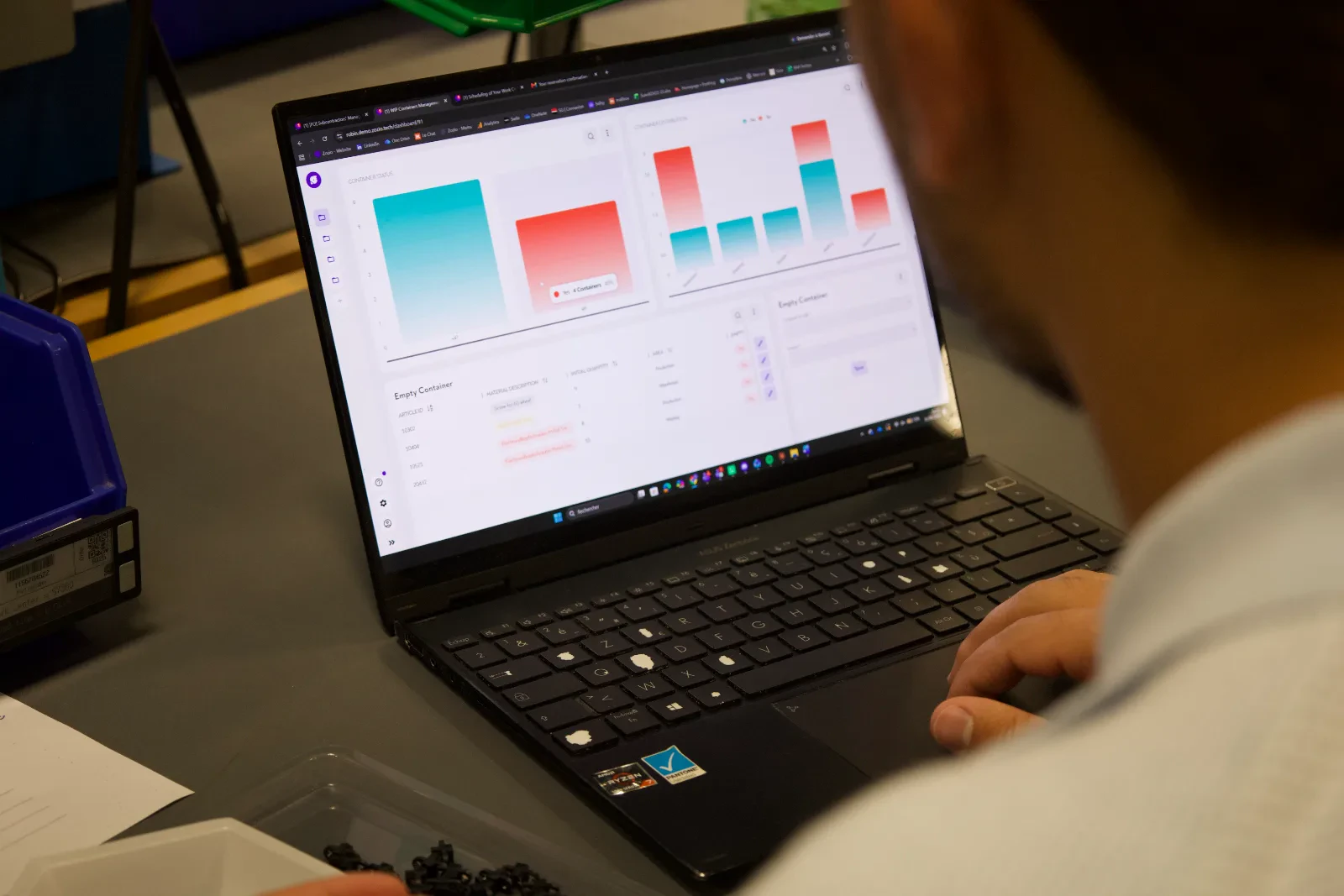
Your screen
What you see when you arrive at your station.
A single screen, at cell height. What needs doing is at the top, in order, with what you need to do it.
Assembly 2 cell — your queue
Updated just now- 1WO-8842 · Casing assemblyTooling M-118 — tool cart B4 · part in Assembly 2 zoneTo do
- 2WO-8851 · Seal reworkCustomer priority — moved ahead at 9:12 a.m.Urgent
- 3WO-8829 · Dimensional inspectionWaiting for gauge Gauge_24 — in calibrationBlocked
- 4WO-8804 · Cover assemblyCompleted at 8:40 a.m. — reported automaticallyDone
Nothing to tick: when the operation moves forward, the screen follows. A blocked line says on its own why it is blocked.
On station
What changes in your day.
- You no longer sort through three contradictory instructions
- You no longer hunt for the part or the tooling: they are on the plan
- You no longer fill in a spreadsheet at the end of your shift
- When a rush job jumps the queue, you know why
What ROBIN changes
The tool serves the workstation, not the reporting.
One single instruction
The work queue comes from the schedule, not from three different people. When a rush job jumps the queue, the reason is displayed alongside it.
Fewer pointless trips
The part and the tooling are located. The time spent searching goes back to production, and the fatigue goes with it.
Nothing more to fill in
Progress is derived from the location data and declarations that already exist. No additional form is asked of the shop floor.
The results
What it delivers on a real shop floor.
The gains observed on a defined scope, and the customer case that documents them.
- 30 sto understand the screen — the condition for it to be used at the workstation
- 0added data entry: nothing to fill in at the end of a shift
- 0 €per user: the whole shop floor has access
- < 2 minfor the work queue to follow a schedule change
Customer case · Aircraft repair shop
Landing gear: 7% TAT gained without adding capacity.
A European MRO equips its cells with a work queue screen: WIP is located, the running order is shared, and nothing extra is asked of the operators.
Read the customer case- −7 %TAT on tracked equipment
- < 2 minto reschedule after a disruption
- 0rescheduling in Excel
The vendor
What you check before installing a screen on the shop floor.
Your data stays under your control
European cloud hosting or on your own infrastructure, and export of your data at any time. No irreversible dependency.
Plugged into your IT systems
ROBIN connects to the ERP and the MES: manufacturing records stay where they are.
- SAP
- Sage
- MES
- CMMS
No per-user cost
One screen per cell and one login per person cost nothing extra. The tool is not reserved for management.
A single point of contact
A ROBIN.Deploy project manager sets up the scope with the teams, on site, and stays until they are autonomous.
Further reading
What we write about shop floor work.

Dynamic scheduling · Thesis
MRO scheduling: why static scheduling drags down your TAT
It is not variability that degrades TAT — it is the tool that pretends it does not exist.

Customer case · Aerospace
Reducing TAT on a landing gear shop floor
The project in detail: baseline, scope, measured results and deployment timeline.
FAQ · Shop floor
The questions we get asked at the foot of the machine
Do you need to learn how to use it?
The screen displays a list: what needs doing, in what order, and with which tooling. It takes thirty seconds to grasp. If lengthy training were required, the tool would be poorly designed.
Does it require additional data entry for operators?
No, that is the whole point. Location is automatic and progress comes from the declarations that already exist in your tools: no extra form, neither during nor at the end of a shift. The shop-floor screen shows the work queue: what needs doing, in what order, with which tooling. The operator reads it, they do not fill in a spreadsheet.
Is it used to monitor operators?
How are AOGs and urgent cases handled?
Contractual priorities, AOGs and criticality levels enter the calculation as explicit constraints, alongside resource and material availability. ROBIN does not decide for you: inserting an urgent job is simulated before validation, with the list of orders it pushes back and by how much.
Once the plan is validated, the work queue is reordered at the workstation with the reason shown (customer priority, milestone at risk, rework), and any delay caused elsewhere is recorded with its cause.
What if the tooling I need is not available?
The screen shows this before you go to fetch it, with its location or reason for unavailability. The scheduler accounts for this and suggests an alternative operation.
Does ROBIN decide instead of the scheduler?
No. ROBIN proposes a sequence and quantifies the impact of each option; the decision remains human. The scheduler can freeze an operation, force a customer priority or compare two scenarios before publishing, and the engine recalculates around those decisions instead of overriding them. The shop floor receives a sequence someone has validated, not an unreviewed automatic output.
Take action
A screen that works at your station.
We come to see your cells and show you the screen on your own operations.